Loading…
Plan today. Carry the rest to tomorrow.
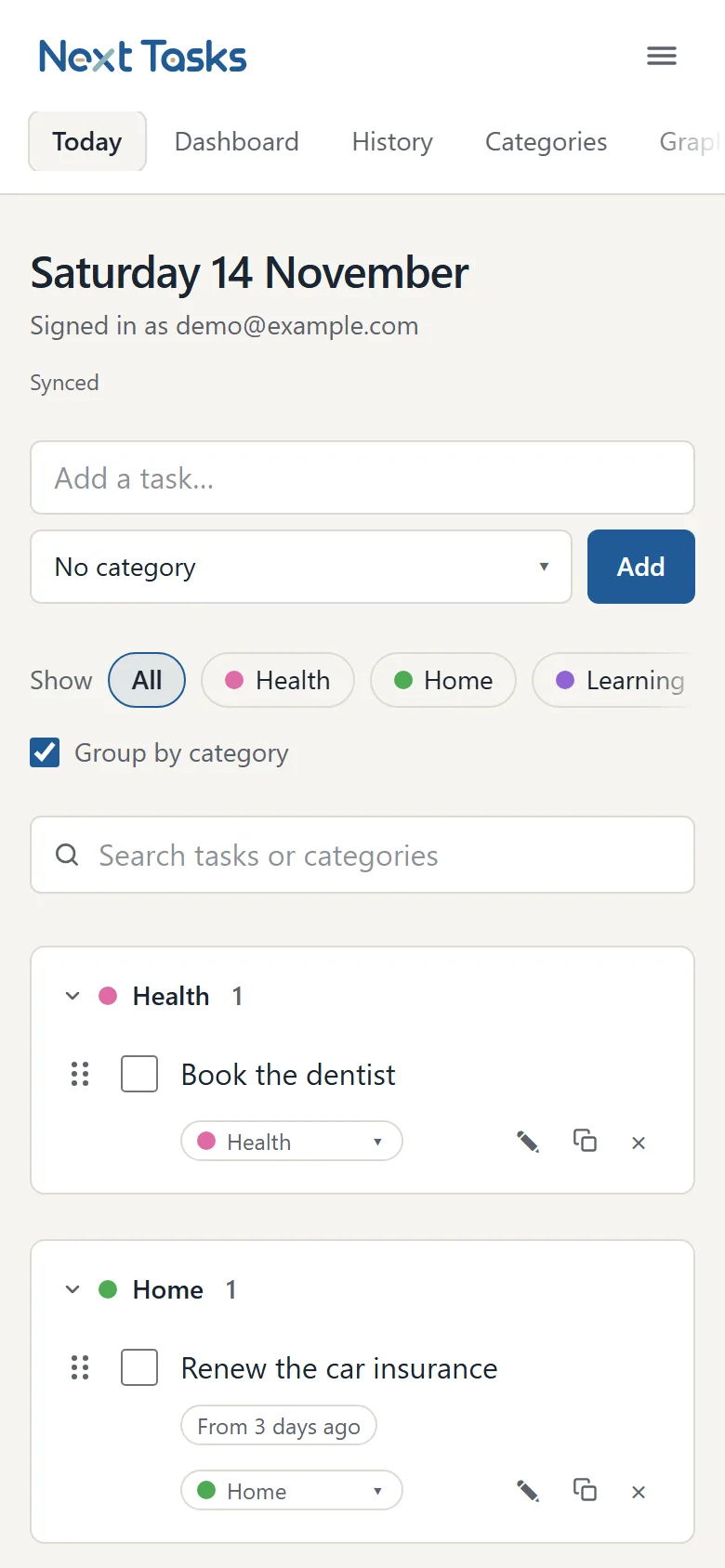
Next Tasks is a calm daily task list. Add a task in seconds, finish what you can, and anything still open moves to the next day on its own.
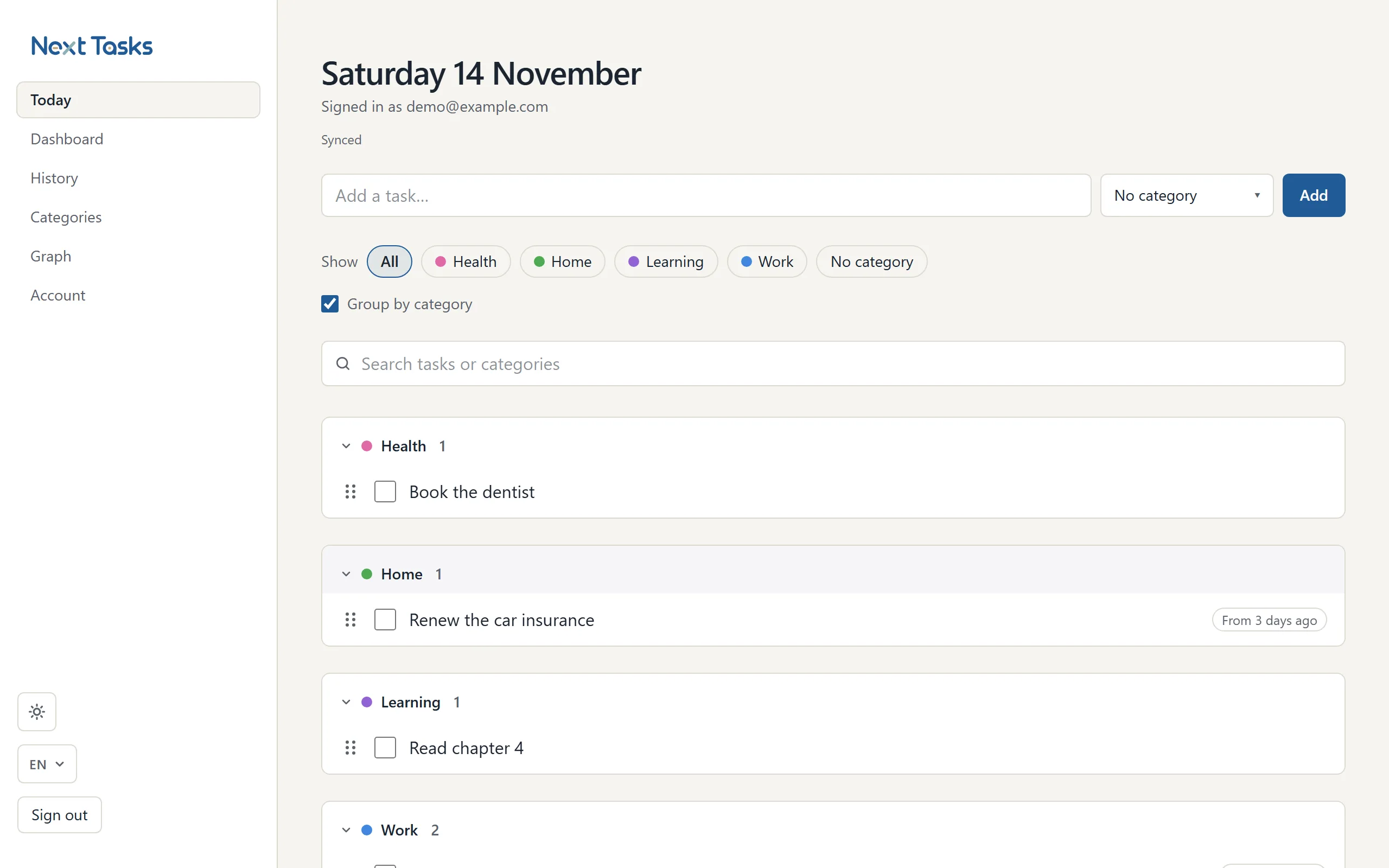
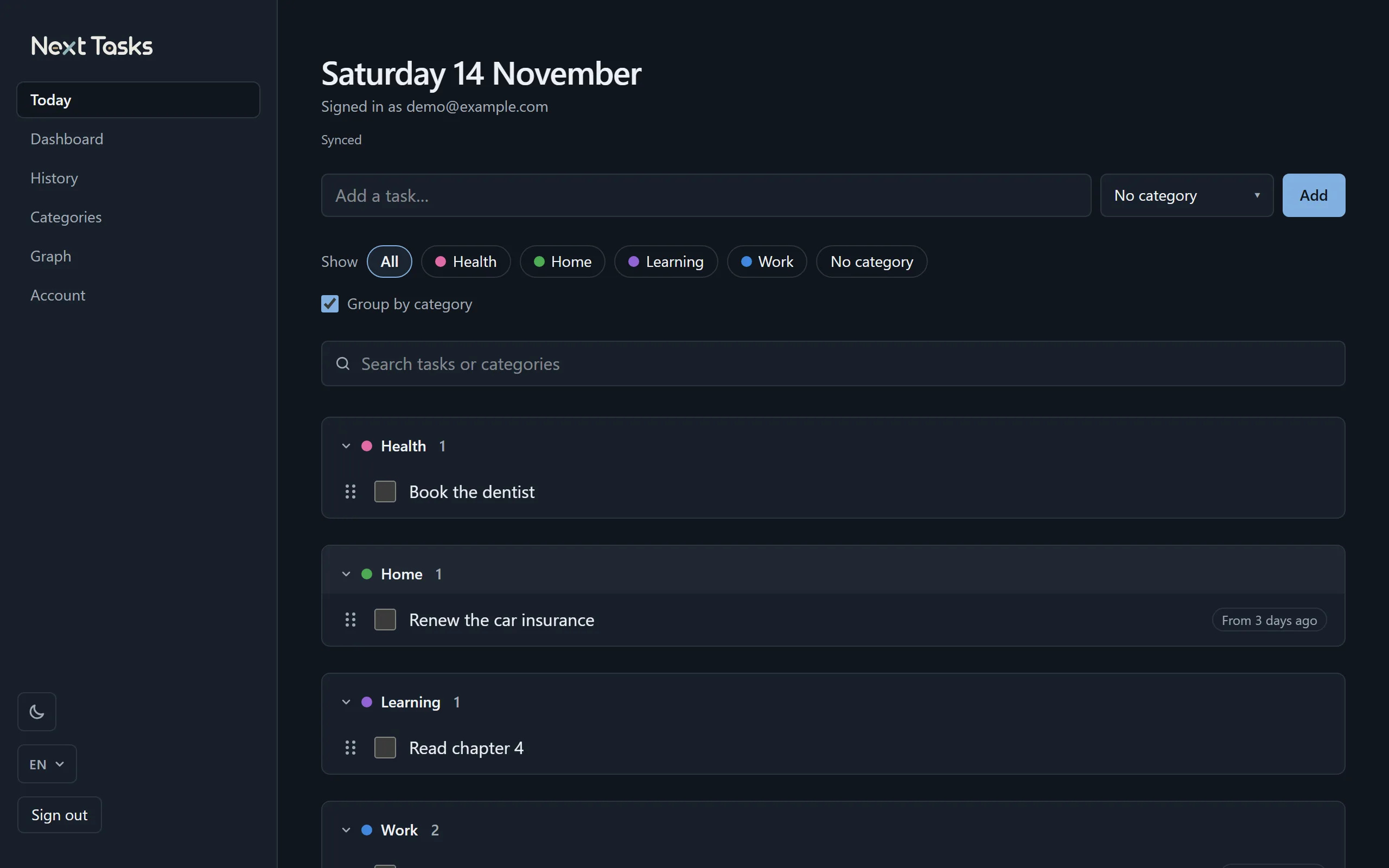
Your day, on one screen
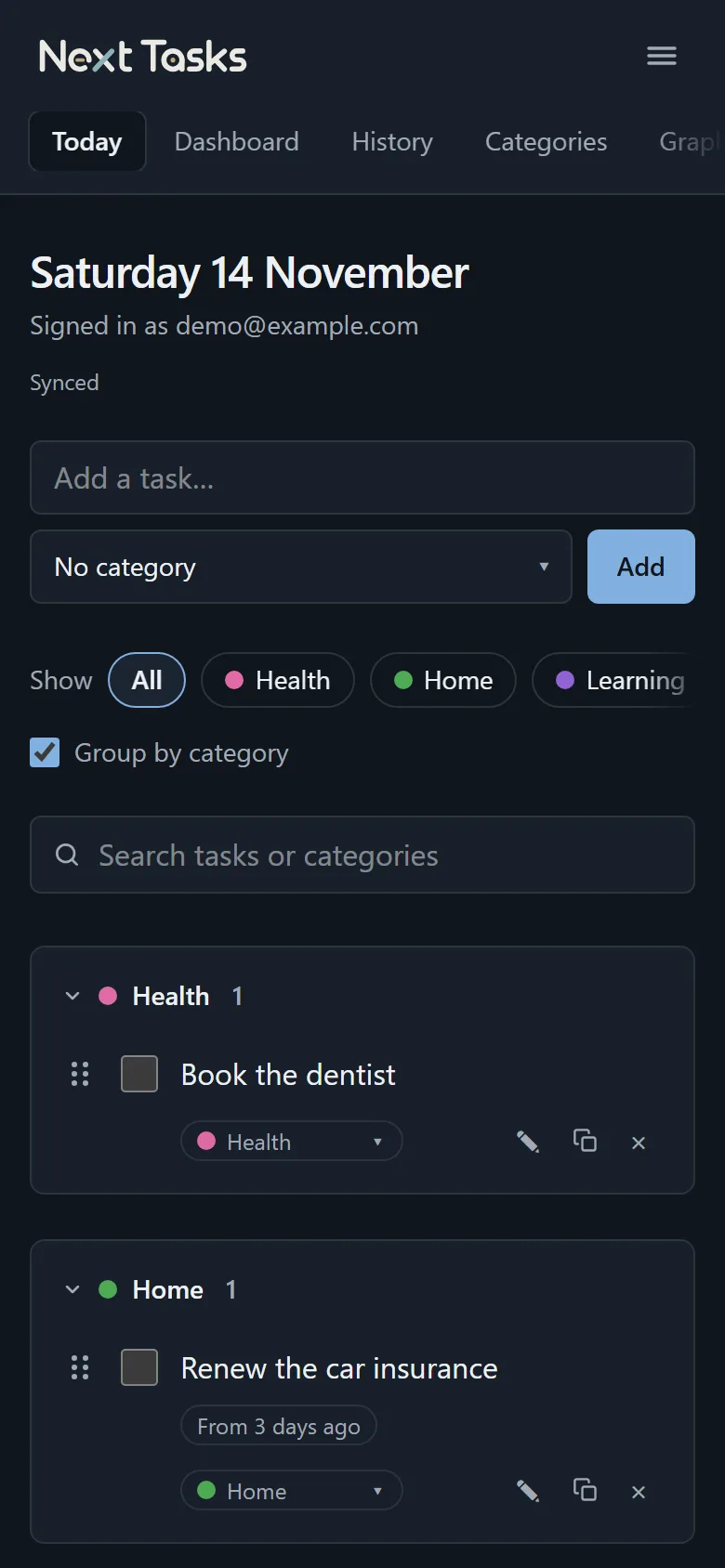
Today shows what is open and what you finished. Anything left over from earlier days is marked, so you can see how long it has been waiting.
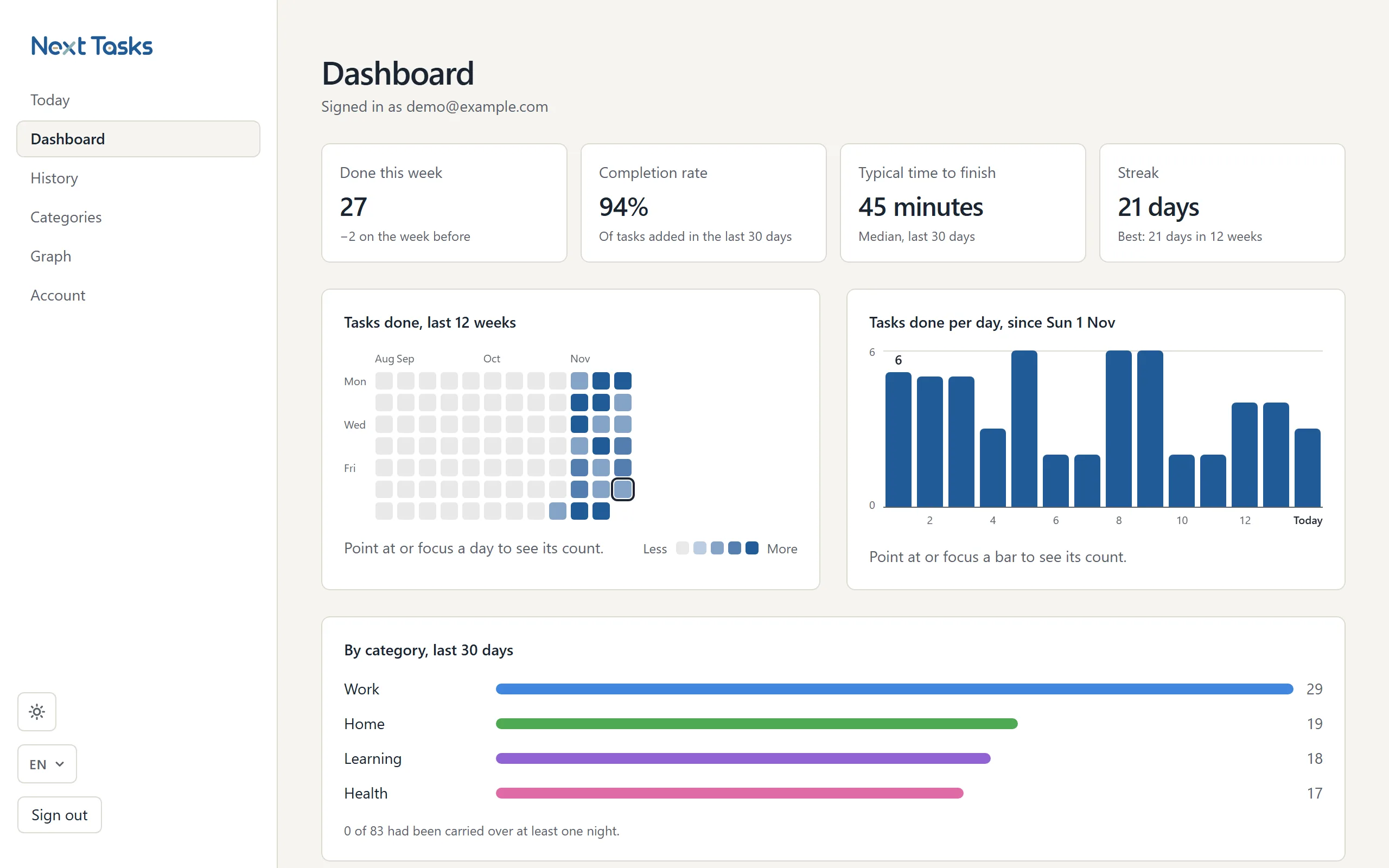
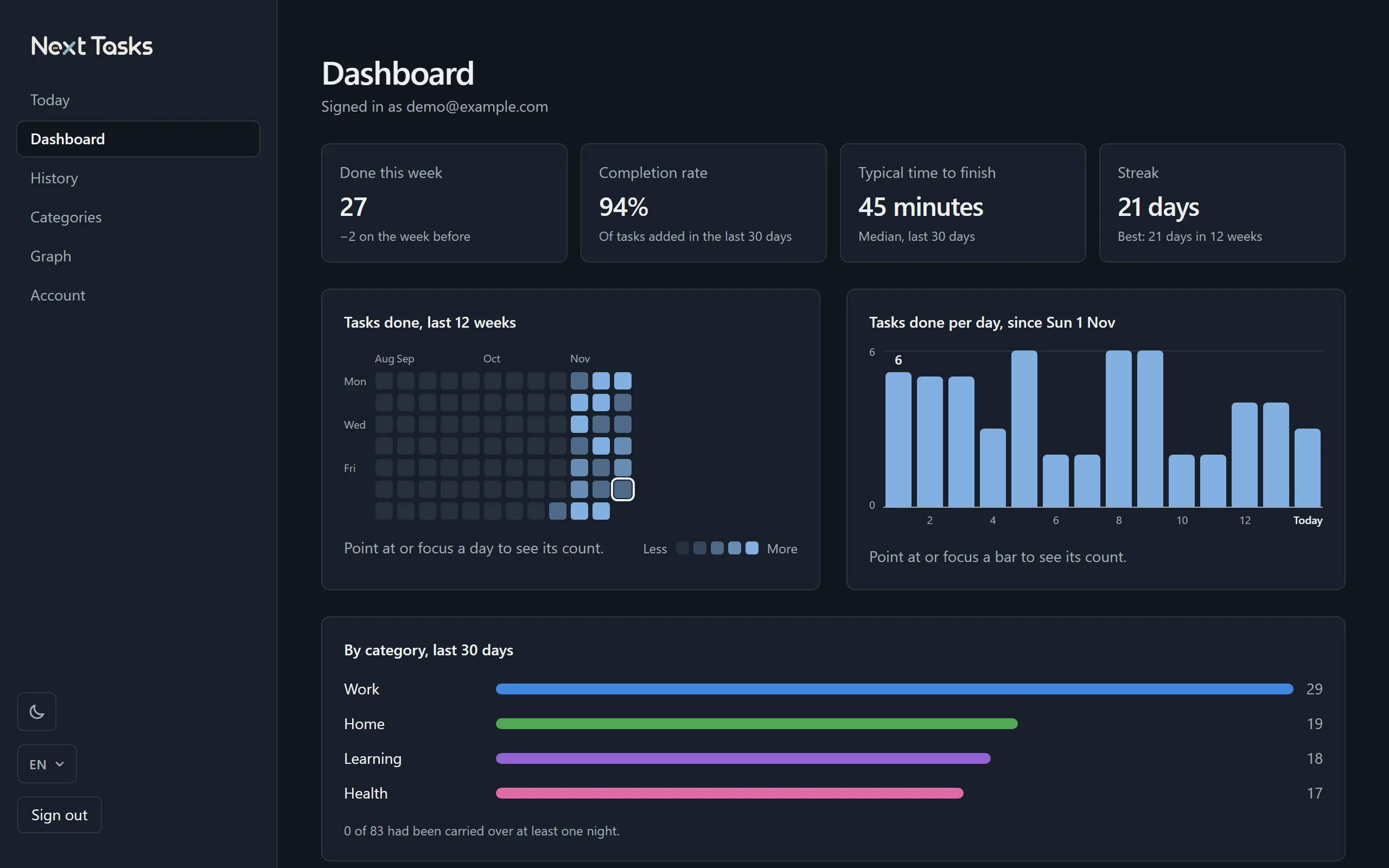
Know where your time went
The dashboard counts what you finished each day and in each category, and how long tasks took to get done.
In your pocket, too
Install it on your phone from the browser - no app store needed. It opens like any other app and works without a connection.
And a few more things
Add a task in seconds
Type it and press Enter. Give it a category if you like - that is all the setup there is.
Nothing falls through
Unfinished tasks follow you to the next day, so yesterday’s list never needs copying over.
Gentle reminders
An optional morning summary and evening check-in, sent only on days with something open.
In English and Arabic
The whole app, right-to-left layout included.
Get the apps
One account, every device. Changes sync as soon as you are online.
Phone
On Android, open this site in Chrome and choose Install app. On iPhone, open it in Safari, tap Share, then Add to Home Screen.
Computer browser
Use it in any modern browser. In Chrome or Edge you can also install it, so it opens in its own window.
Questions
Does it work offline?
Yes. Once you have opened Today on a device, it opens without a connection, and the tasks you add or finish are sent when you are back online.
Can I use it on more than one device?
Yes. Sign in with the same account on your phone, your computer and the desktop app, and your tasks stay in step.
What happens to tasks I do not finish?
They move to the next day by themselves, marked with how long they have been carried, until you finish or delete them.
Who can see my tasks?
Only you. Your tasks are stored in a database that lets each account read and change its own rows and nobody else’s.
How do I delete my account?
Open Account and choose Delete account. Your account and everything in it are removed from every device, permanently.
Start with today
Create an account and add your first task in under a minute.
Create account